
The phone companion for DeepSeek Harness
Step away from your desk and keep going: follow progress, answer questions and approve tool actions. It connects to the DeepSeek Harness on your own computer, not to our servers.
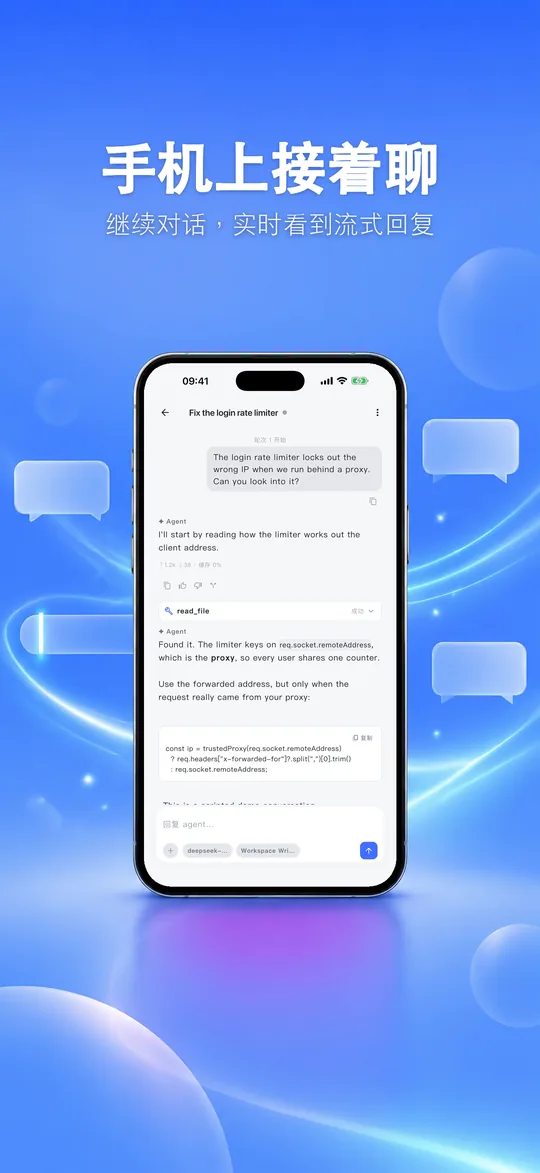
Everything you need on your phone
Take the work running on your computer with you, without staring at its screen.
Pick up the conversation
Continue the chat from your computer and watch replies stream in live.
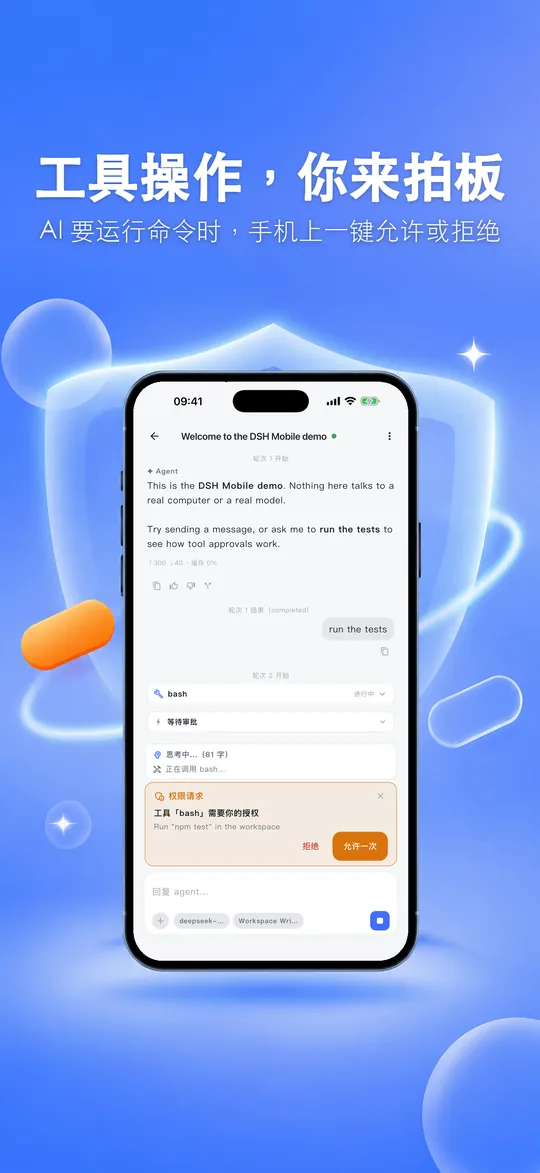
You approve tool actions
When the AI wants to run a command or change files, allow or deny it with one tap.
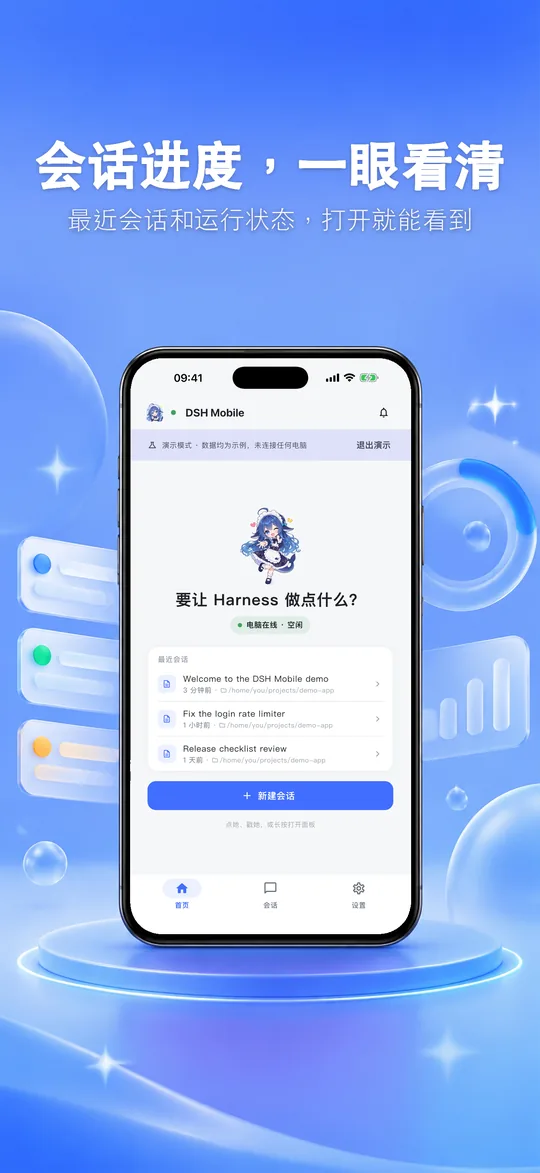
Progress at a glance
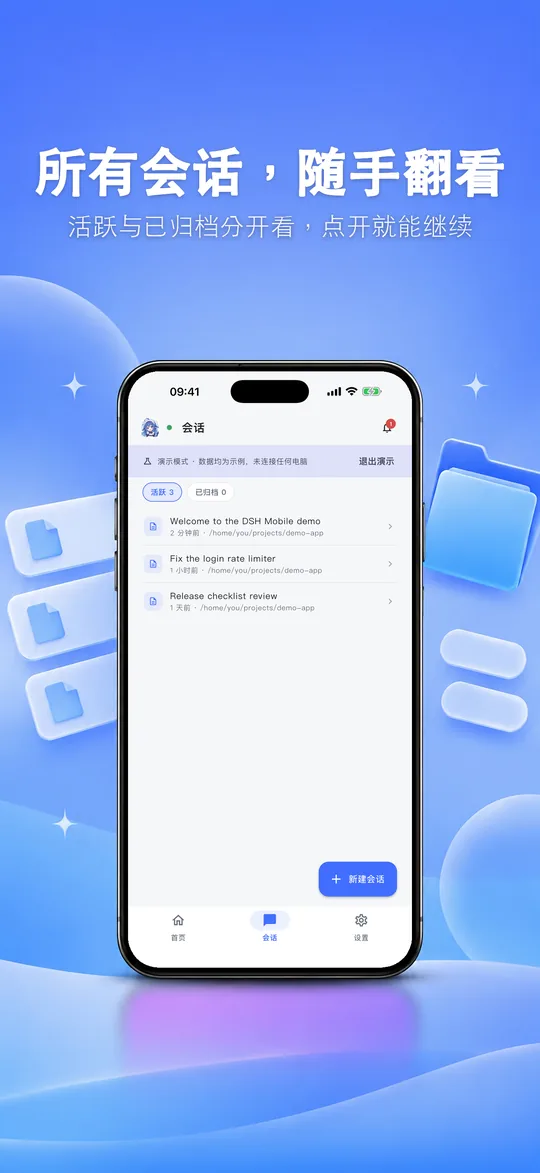
Recent sessions and their running state the moment you open the app; active and archived sessions are kept apart.
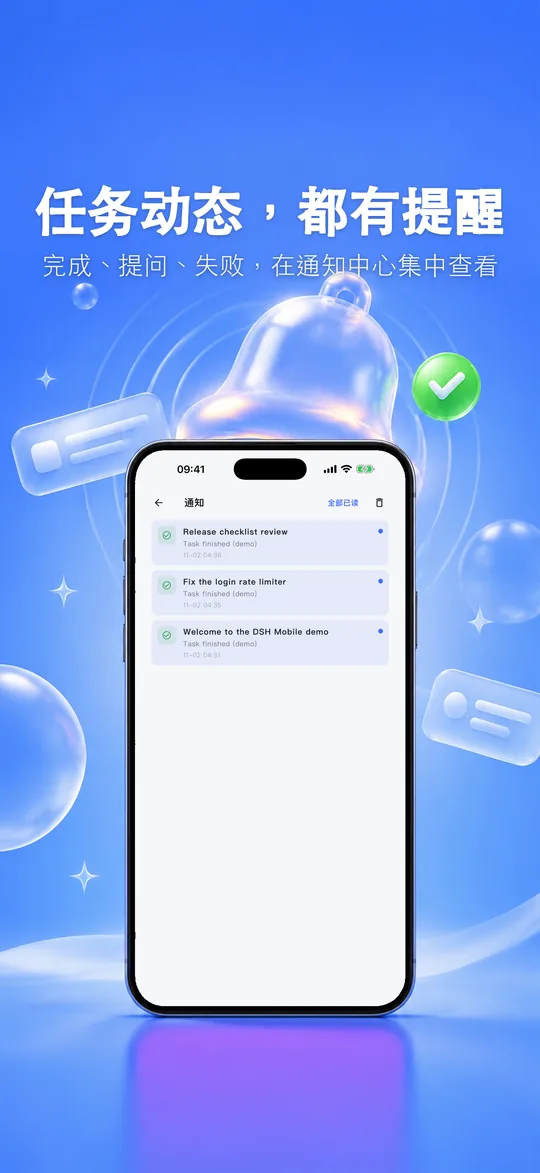
Alerts for task activity
Finished tasks, questions from the AI and failures all notify you, and the notification center keeps them in one place.
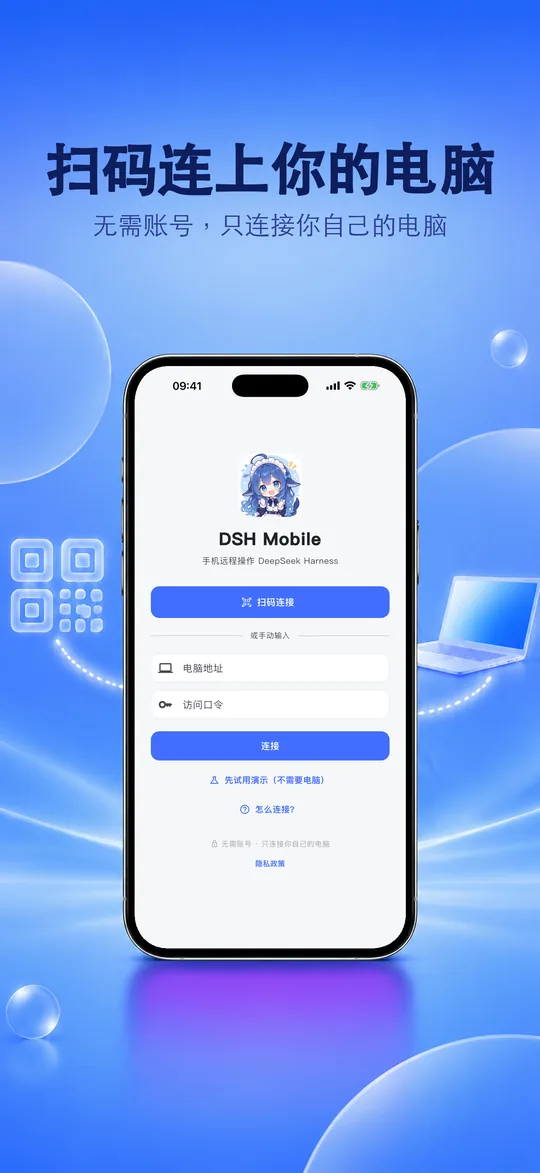
Scan to connect
Scan the QR code on your computer, or type the address and token. Your phone and computer must be on the same Wi-Fi.
Files and images
Browse files in the workspace and send pictures from your phone to a session.
See the app
Connect to your computer in three steps
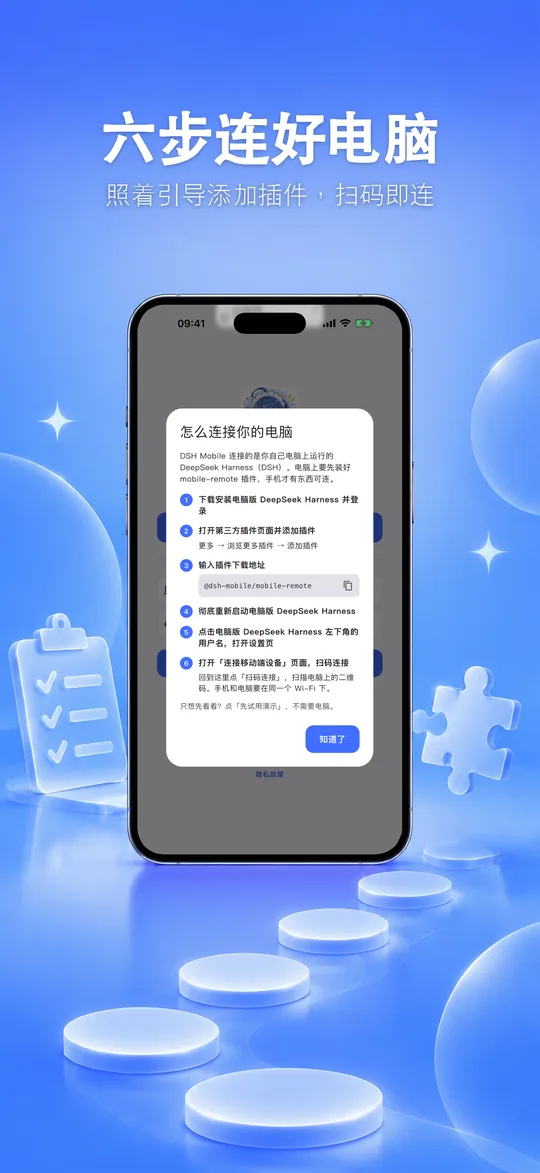
DSH Mobile works with DeepSeek Harness on your computer, so add one plugin there first.
- In DeepSeek Harness on your computer, add the plugin
@dsh-mobile/mobile-remote - Fully restart DeepSeek Harness, then open the “Connect mobile device” page in Settings
- Open the app on your phone and scan the QR code on that pageYour phone and computer must be on the same Wi-Fi.
Your data stays on your computer
- No account: nothing to sign up for or sign in to
- No ads, and no analytics or tracking SDKs
- The access token is kept in the system secure storage (iOS Keychain / Android Keystore)
- Sessions, files and images travel only between your phone and your computer
Brand relationship
DSH Mobile is an independent mobile companion for DeepSeek Harness. It is not affiliated with or endorsed by DeepSeek.